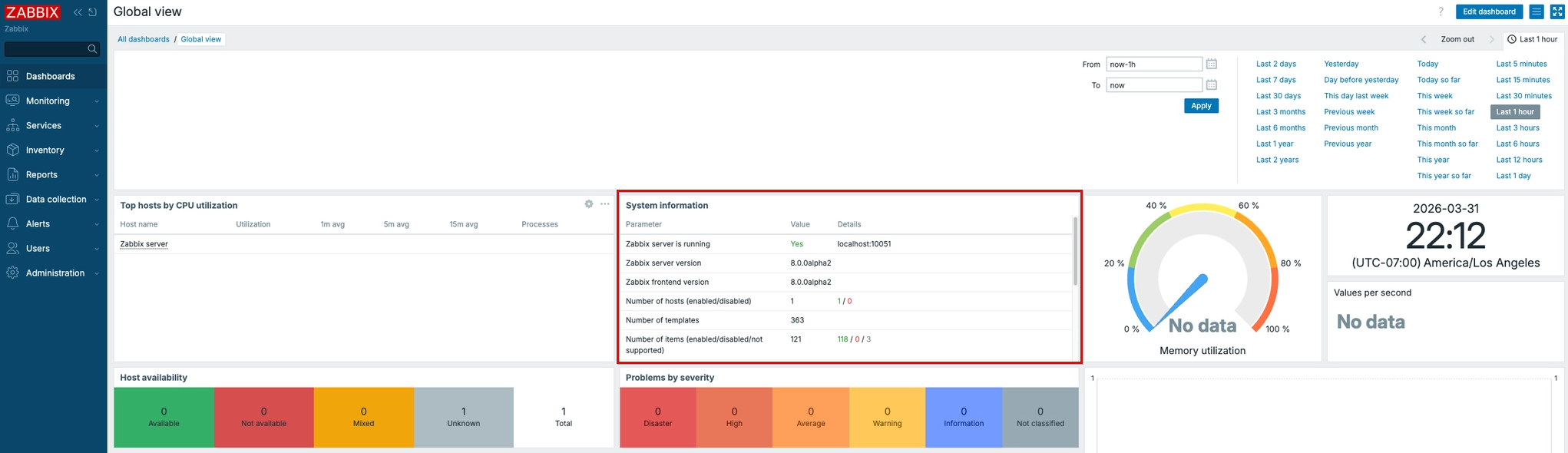
After installed Zabbix 8 on Ubuntu 24.04. I ran into an issue. It was “Unable to start zabbix server due to unsupported MySQL database version (8.00.45)”. In order to resolve it, i have to upgrade my DB but my DB was on latest version. another workaround solution was allow unsupport DB on zabbix server configuration.
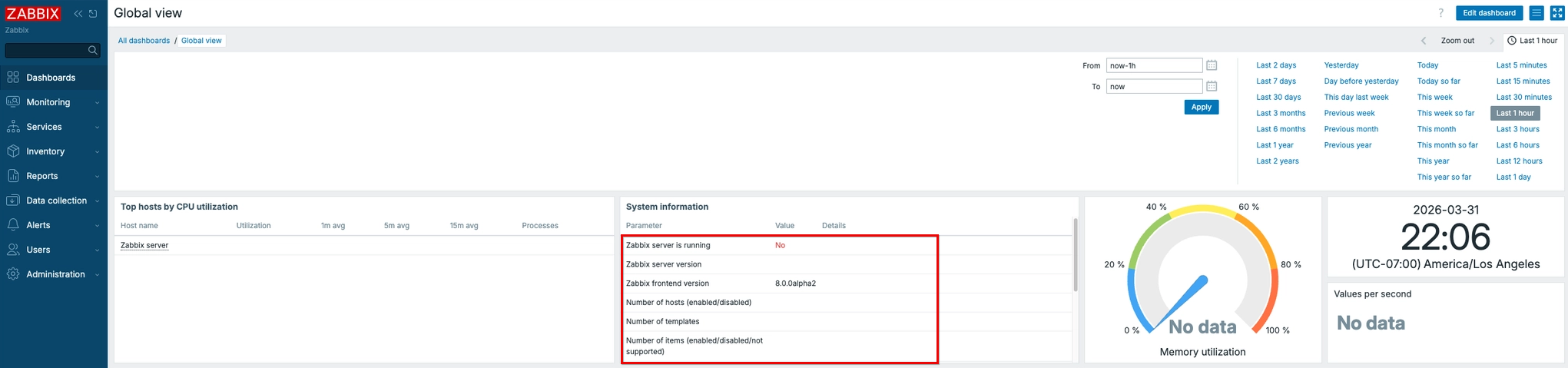
1. Finding error log
Zabbix server error log always reside at /var/log/zabbix/zabbix_server.log. You can tail or cat it to view error log.

2. Modify Zabbix server configuration
Zabbix server configuration file located at /etc/zabbix/zabbix_server.conf. If you use nano, Press Ctrl + W and type keyword that you wants to find. In my case, I have changed “AllowUnsupportedDBVersions” to 1 which mean allow.
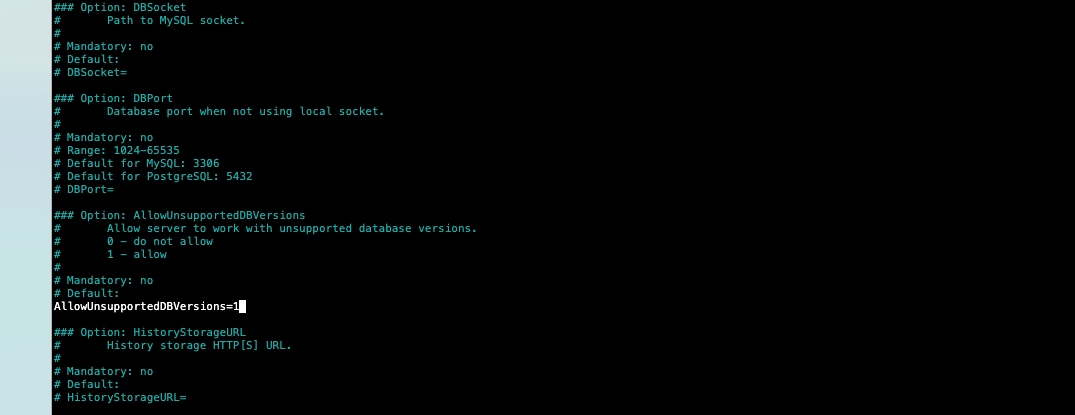
You may restart your zabbix server after making changes.
3. Verify your Zabbix Server
You may check the services or navigate to your Zabbix dashboard and look at System Information. If you see Yes if your zabbix server is running.